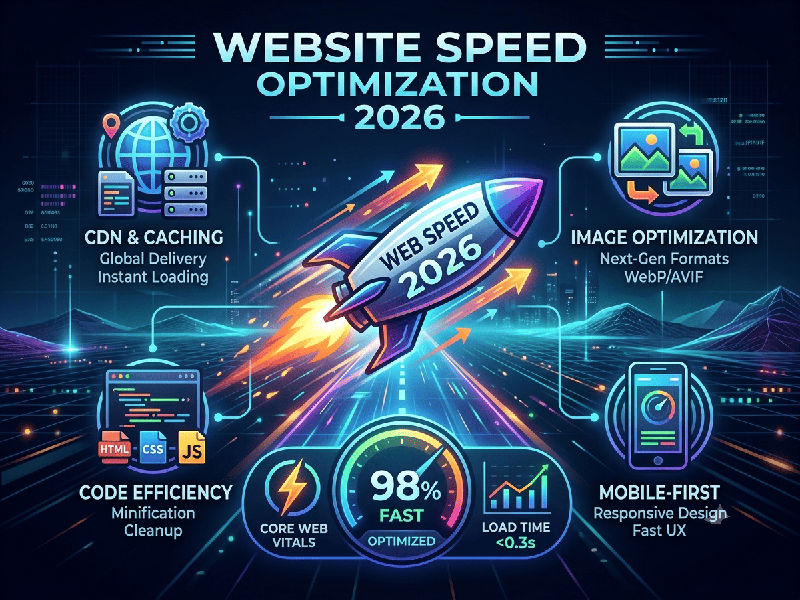
Website Speed Optimization 2026
Website speed optimization in 2026 has evolved from
simple file compression into a comprehensive strategy centered on user
experience, AI-driven automation, and edge-first infrastructure.
In 2026, performance is measured by Core Web Vitals
(CWV)—field data collected from real users—which directly impacts bounce
rates, conversion, and search visibility.
1. High-Impact Strategies for 2026
A. Edge & Infrastructure
- Edge Computing: Move your logic closer to the
user. Processing content at the "edge" (e.g., Cloudflare
Workers, Vercel Edge) drastically reduces the Time to First Byte (TTFB).
- Modern Protocols: Ensure your server supports HTTP/3
and Brotli compression, which are significantly faster than older
standards for text and data delivery.
- Managed Hosting: Use performance-optimized cloud
hosting (e.g., Kinsta, WP Engine, or custom cloud setups) rather than
cheap shared hosting, which often struggles to handle concurrent requests
in 2026.
B. Media & Asset Optimization
- Next-Gen Formats: Move beyond WebP; AVIF
is now the preferred format for superior compression and quality.
- Responsive Images: Serve images sized correctly
for the user's specific device viewport.
- Font Management: Host fonts locally (rather than
fetching them from Google Fonts), use WOFF2 formats, and implement
font-display: swap to prevent text-loading delays.
C. Smart Code & Execution
- JavaScript Control: Defer or delay non-essential
scripts. If a chat widget or analytics tool is killing your INP score, do
not load it until the user interacts with the page.
- AI-Powered Optimization: Use modern AI-driven tools that
can automatically compress media, identify unused CSS/JS, and suggest
database query optimizations based on real traffic patterns.
2. The Shift: Automation vs. Manual Work
In 2026, manual performance tuning is no longer
sufficient for complex sites. The industry standard has shifted toward:
- Headless CMS & Composable
Architecture:
Decoupling the front end from the back end allows for faster, more
lightweight interfaces that are optimized specifically for the browser,
not the server.
- Predictive Preloading: Modern frameworks (like
Next.js) can predict which pages a user is likely to visit next and
preload the necessary assets in the background, making navigation feel
instantaneous.
- Automated Testing: Integrate Lighthouse and CrUX
(Chrome User Experience Report) data directly into your CI/CD pipelines to
catch performance regressions before they reach production.
3. Quick Diagnostic Checklist
If you need to improve your performance today, follow
this order of operations:
1.
Test: Use Google PageSpeed Insights
to check your real-world "Field Data."
2.
Fix LCP:
Optimize the largest image or text block above the fold.
3.
Fix CLS: Add
explicit width and height attributes to all images and reserve space for
dynamic content like ads.
4.
Fix INP: Audit
your third-party scripts (e.g., chat bots, heatmaps) and defer them.
5.
Monitor: Treat
performance as an ongoing process, not a one-time project.