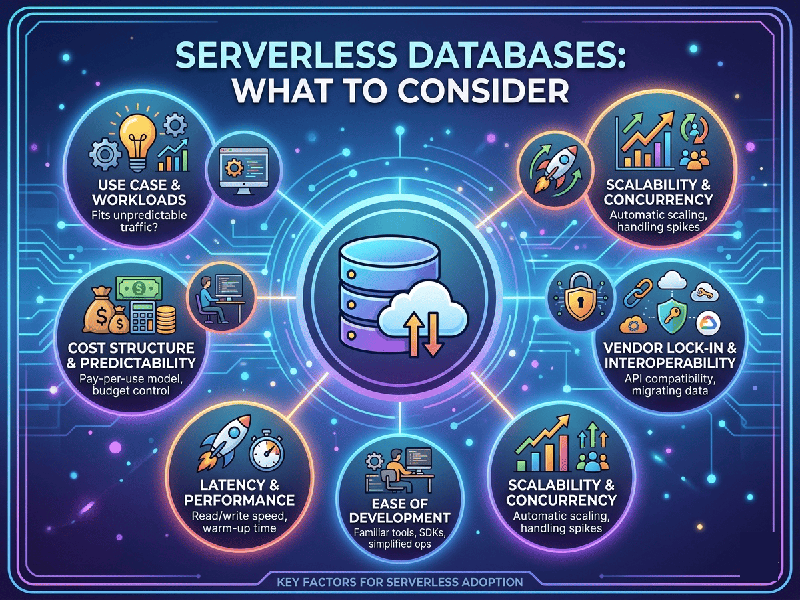
Serverless Databases: What to Consider
Choosing a serverless database is incredibly liberating—it
means offloading the painful overhead of server patching, manual sharding, and
provisioning to a cloud provider. However, "serverless" doesn't mean
"magic." Failing to account for its architectural shifts can lead to
performance bottlenecks or eye-watering unexpected bills.
1. The Cost & Billing Structure
Traditional databases bill you for a fixed instance size,
whether it's running at 5% or 95% capacity. Serverless databases scale down to
zero, but you are billed on highly granular metrics.
- The Vectors: You will pay for data storage
(GBs per month) plus transactional throughput, usually calculated
as Request Units (RUs), Database Capacity Units (DCUs), or
explicit Read/Write operations.
- The Risk: If your application experiences
a massive loop bug or a sudden, unexpected spike in traffic, a serverless
database will scale effortlessly to accommodate it—and send you a massive
bill.
- What to Look For: Ensure the vendor allows you to
set hard spending caps or maximum capacity limits to prevent
run-away costs.
2. Connection Management (The Ephemeral Compute Problem)
If your backend uses standard serverless compute (like AWS
Lambda, Azure Functions, or Google Cloud Functions), your application instances
are destroyed and recreated constantly.
Traditional databases rely on long-lived, persistent TCP
connections. If 1,000 serverless functions spin up simultaneously and try to
open 1,000 direct connections to a database, the database will quickly crash or
run out of memory.
The Fix: Ensure your chosen serverless database supports an HTTP/REST Data API
or provides a robust connection proxy/pooling mechanism (e.g., Prisma
Accelerate, AWS RDS Proxy) designed to handle highly volatile connections.
3. Cold Starts & Latency Trade-offs
When a serverless database has been idle, it drops its
resource consumption to zero to save you money. However, waking the database
back up when a new query hits can introduce a cold start delay.
- If your application is highly
latency-sensitive (like a real-time trading platform or high-speed gaming
backend), a cold start of even a few hundred milliseconds can degrade the
user experience.
- What to Look For: Evaluate if the database allows
you to configure a "minimum provisioned capacity" to keep it
warm, or see if its auto-pause threshold can be tuned (e.g., waiting 30
minutes of complete silence before pausing).