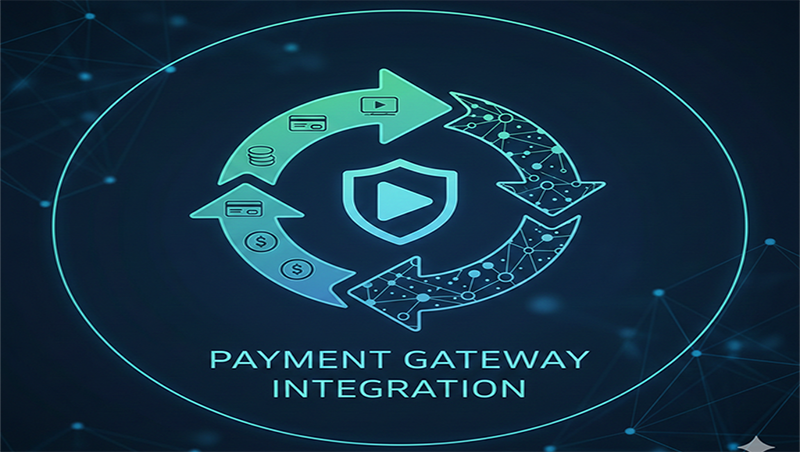
Payment Gateway Integration
Integrating
a payment gateway is the bridge between your website and the financial
networks. In 2026, this process has become more streamlined but remains
high-stakes due to evolving security standards and the rise of local payment
methods like UPI and digital wallets.
1. How
the Payment Flow Works
Before
integrating, it’s helpful to visualize the "handshake" that happens
between the customer, your site, and the bank.
1.
Checkout:
Customer submits payment details on your site (or a hosted page).
2.
Encryption:
Your site/gateway encrypts the data and sends it to the Payment Processor.
3.
Authorization:
The processor asks the Issuing Bank if the customer has enough funds.
4.
Confirmation:
The bank approves/declines and sends the signal back to your site.
5.
Settlement:
The money is transferred from the customer's bank to your Merchant Account.
2.
Integration Methods
There are
three main ways to connect a gateway, depending on your technical expertise:
- Hosted Payment Pages (Low
Effort): The
customer is redirected to the provider's site (e.g., PayPal or Stripe) to
finish the payment. It's the easiest to set up and handles all PCI
compliance for you.
- Embedded/Inline Kits (Medium
Effort): The
payment form looks like it’s part of your site but is actually an iframe
or "drop-in" component. This keeps the user on your page while
still offloading security to the provider.
- API-First Integration (High
Effort): You
build a custom checkout UI and send raw data to the gateway's API. This
offers total design control but requires strict PCI-DSS
certification since your servers handle sensitive data.
3.
Step-by-Step Implementation Guide
1.
Select a Provider: Choose based on transaction fees (MDR), settlement time, and supported
methods (BNPL, UPI, Cards).
2.
Register & KYC: Create a merchant account and submit business documents (PAN, GST, Bank
details) for verification.
3.
Obtain API Keys: Access your dashboard to find your Public Key (for front-end) and
Secret Key (for server-side).
4.
Sandbox Testing: Use a "test mode" environment to simulate successful and
failed transactions without using real money.
5.
Go Live: Swap
your test keys for live keys and perform one real transaction to ensure the
flow is complete.