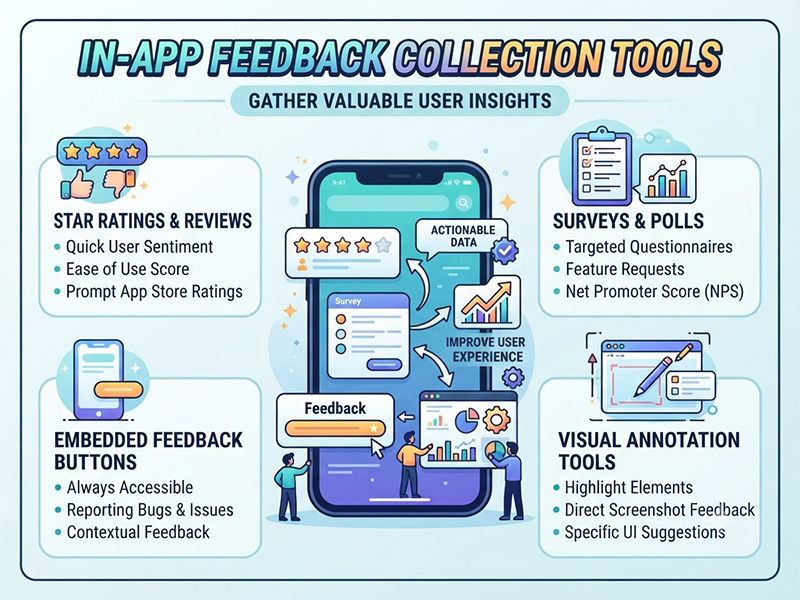
In-App Feedback Collection Tools
When designing your in-app feedback widgets or
micro-surveys, keep the content brief, contextual, and action-oriented to
maximize completion rates.
1. The Trigger / Context
- Targeting Event: Fire surveys based on specific
user actions (e.g., after completing an export, finishing a workflow, or
hitting a usage limit).
- Timing: Prompt users when they are
actively engaged, not immediately upon login or during critical
checkout/transaction flows.
2. Core Question Types
- CSAT (Customer Satisfaction): "How satisfied are you
with this feature?" (typically measured via a 1-to-5 star or
emoji scale).
- CES (Customer Effort Score): "How easy was it to
complete your task today?" to identify UX friction points.
- NPS (Net Promoter Score): "How likely are you to
recommend us to a colleague or peer?" (scored from 0 to 10).
- Open-Text Follow-up: "What is missing or
could be improved?" (keep it optional to minimize drop-offs).
3. Essential UI Elements
- Minimalist Design: Stick to 1 or 2 questions
maximum per micro-survey popup.
- Close/Dismiss Button: Always give users a clear,
friction-free way to close the prompt.
- Thank You State: A polite confirmation screen
acknowledging their input before the widget automatically disappears.