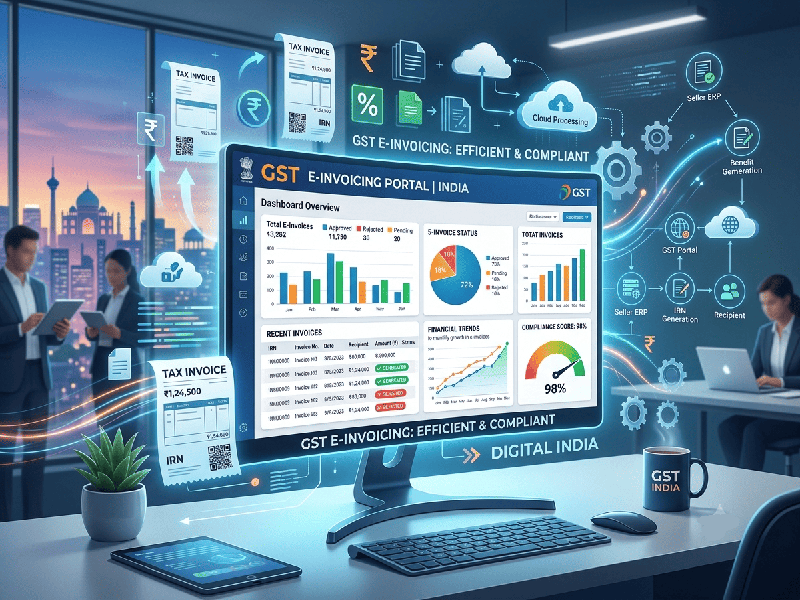
GST E-Invoicing in India: Who Needs It and How to Implement
GST E-Invoicing requires businesses to authenticate B2B and export invoices
electronically on the Government’s Invoice Registration Portal (IRP). Rather
than creating the invoice on the portal, your system generates the invoice
payload and sends it to the IRP, which returns a unique Invoice Reference
Number (IRN) and a digitally signed QR code.
Part 1: Who Needs GST E-Invoicing?
Applicable Businesses
E-invoicing applies to any registered business whose Aggregate
Annual Turnover (AATO) has exceeded ₹5 Crore in any financial year
from FY 2017–18 onwards.
Covered Transactions
B2B Transactions: Sales made to other GST-registered businesses.
Exports: Direct exports, Deemed Exports, and sales to Special
Economic Zones (SEZ).
Business-to-Government (B2G): Supplies made to government entities
registered under GST.
Covered Document Types: Tax Invoices, Credit Notes, and
Debit Notes.
Excluded Entities & Transactions
Regardless of turnover, e-invoicing does not apply
to:
Exempt Sectors: Insurance, Banking & Financial Institutions, NBFCs,
Goods Transport Agencies (GTA), Passenger Transport Services, and Multiplex
Movie Theatres.
SEZ Units: Exempted (note: SEZ Developers are not exempt).
Government Departments & Local Authorities.
B2C Transactions: Supplies to end consumers (B2C requires dynamic QR
codes, not IRN generation).
Part 3: Step-by-Step Implementation Process
1.Check Eligibility & Register on IRP:Prerequisite setup.
Verify turnover limits using the GST portal's
e-invoice applicability tool.
Register or log in to the official e-Invoice Portal
(einv-apisandbox.nic.in or primary IRPs like NIC, Clear, Masters India, Iris).
Use existing GST/E-Way Bill credentials to generate
API credentials.
2.ERP Data Schema Alignment:Technical preparation.
Standardize sales billing master data to follow the
statutory e-invoice schema (INV-01).
Ensure mandatory fields are present: HSN/SAC codes,
pin codes, GSTINs, state codes, item descriptions, and tax rates.
Map document types (Tax Invoice, Credit Note, Debit
Note) to the appropriate payload definitions.
3.Select an Integration Method:Integration path.
Choose the integration route that matches your
transaction volume and technical stack:
Direct API Integration: Best for large enterprises using
SAP/Oracle for real-time IRN generation.
GSP / ASP Middleware: Best for businesses wanting error
validation and workflow integration before IRP submission.
ERP Native Connectors: Built-in integration tools in
software like TallyPrime or Zoho Books.
Bulk Offline Utility: JSON/Excel tools for businesses
generating smaller daily invoice volumes.
4.Test in Sandbox Environment:Validation.
Generate test credentials on the IRP Sandbox
environment.
Push sample payloads (Invoice, Credit Note, Debit
Note) to test response parsing.
Ensure your printing engine can embed the returned 64-character
IRN and 2D QR Code directly onto the final invoice PDF/hard copy.
5.Go Live & Automate Downstream Workflows:Production mode.
Switch API endpoints from Sandbox to the Live IRP
portal.
Configure real-time, automated generation of E-Way
Bills using the e-invoice payload to avoid duplicate data entry.
Monitor automated auto-population of GSTR-1 returns.
Key Compliance Rules
Printing Requirement: The printed or digitally rendered
invoice issued to the buyer must show the 2D QR Code returned by the
IRP.
Cancellation Timeline: An IRN can be canceled on the IRP
only within 24 hours of generation. After 24 hours, cancellation
requires issuing a Credit Note or modifying GSTR-1 directly.
No Editing: An e-invoice payload cannot be directly edited once an IRN
is assigned. A new IRN requires re-issuance with a distinct invoice number.