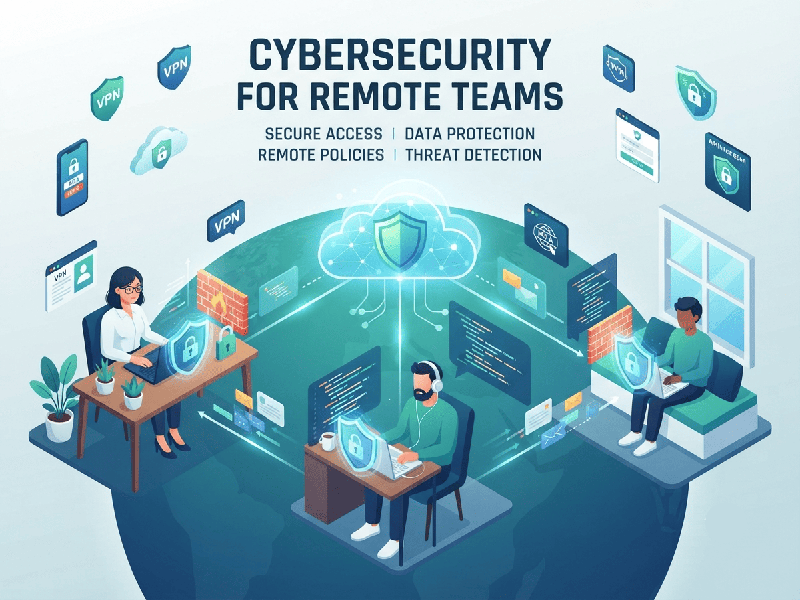
Cybersecurity for Remote Teams
Securing remote teams in 2026 requires moving beyond
traditional perimeter-based security (like VPNs alone) toward a Zero Trust
architecture. Because threats are increasingly AI-powered and sophisticated,
security must be continuous, verified, and identity-centric.
1. The Core Framework: Zero Trust
The fundamental principle is "never trust, always
verify". Regardless of location, every access request must be
authenticated and authorized.
- Identity Verification: Enforce Multi-Factor
Authentication (MFA) across all systems. Where possible, shift toward
passwordless methods (biometrics, hardware security keys) to eliminate
credential-based risks.
- Least-Privilege Access (RBAC): Limit employee access to only
the specific data and applications required for their role.
- Continuous Monitoring: Access is not a one-time event;
security tools should continuously evaluate device health and user
behavior in real time to detect anomalies (e.g., "impossible
travel" or unusual file downloads).
2. Protecting Endpoints and Networks
When teams are dispersed, the device is the new
perimeter.
- Endpoint Detection &
Response (EDR):
Move beyond basic antivirus. EDR provides real-time threat detection and
automated responses, making it essential for managing remote devices.
- Device Management: Use tools (like Microsoft
Intune or similar MDMs) to ensure devices are compliant, patched, and
encrypted before they are granted access to corporate resources.
- Home Network Security: Encourage employees to secure
home Wi-Fi with strong passwords and WPA3 encryption. Advise against using
public Wi-Fi for sensitive work unless secured by a high-quality,
reputable VPN.
3. Essential Security Policies
Written policies provide the "rules of the
road" for your team. Ensure these are documented and accessible:
- Acceptable Use Policy: Clearly define what tools are
"sanctioned" versus "shadow IT" (unsanctioned
software) to prevent data leaks.
- Incident Reporting: Create a culture where
employees feel safe reporting mistakes (like a suspected phishing click)
immediately. Speed of reporting is the biggest factor in minimizing
damage.
- Data Handling: Mandate that company data is
never saved to personal devices or unapproved cloud storage. Use secure
file-sharing with expiration dates and download restrictions.
4. Training and Human-Centric Defense
Human error remains a primary attack vector,
especially with AI-driven phishing becoming more personalized.
- Regular Phishing Simulations: Conduct quarterly tests that
mimic modern, AI-enhanced social engineering.
- Security Onboarding: Make security awareness
training a non-negotiable part of onboarding for all remote staff,
including contractors and virtual assistants.
- Focus on Culture: Security shouldn't feel like
"policing." Use training to empower employees to be the first
line of defense, helping them recognize threats as part of their
professional skill set.