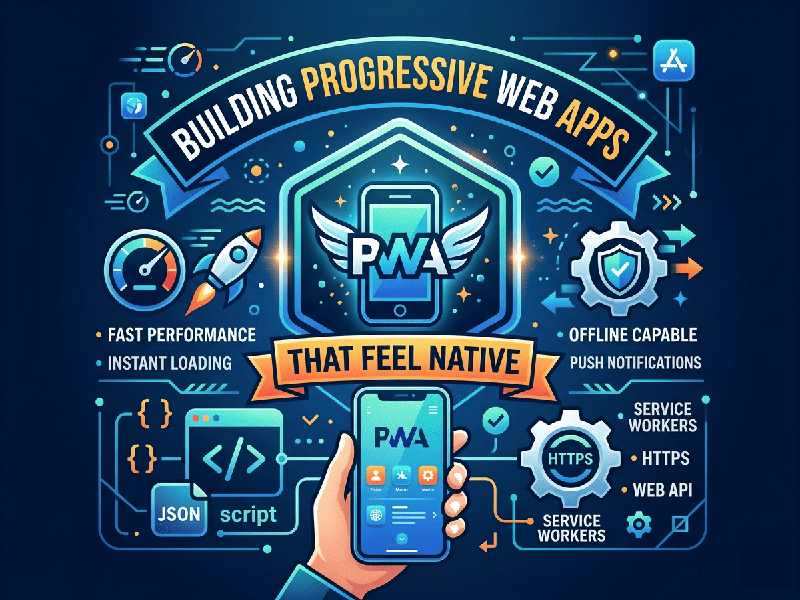
Building Progressive Web Apps That Feel Native
Progressive Web Apps (PWAs) have closed the gap with native
apps significantly, thanks to full iOS support for push notifications and
advanced hardware APIs. To build a PWA that feels "native," you must
move beyond a simple manifest file and focus on behavioral parity.
1. The Core Infrastructure (Modern Stack)
A PWA feels native when it remains functional without a
constant connection.
- Service Workers with Workbox: Use a
"Stale-While-Revalidate" strategy for assets. This ensures the
app UI loads instantly from the cache while fetching updates in the
background.
- Web App Manifest 2026: Beyond icons, use the
display_override property to remove the "Status Bar" clutter and
theme_color to match the OS system bars.
- WebAssembly (Wasm): For high-performance tasks
(image processing, complex calculations), use Wasm to achieve near-native
execution speeds.
2. Visual & Interaction Design
Native apps provide immediate tactile feedback. Web apps
often feel "laggy" due to default browser behaviors.
- Eliminate 300ms Click Delay: Use the touch-action:
manipulation; CSS property to remove the delay browsers add to distinguish
a "tap" from a "double-tap zoom."
- Skeleton Screens: Never show a blank loading
spinner. Use skeleton states that mirror the final UI layout to reduce
perceived loading time.
- Safe Area Insets: Use CSS environment variables
like padding-bottom: env(safe-area-inset-bottom); to ensure your UI
doesn't get cut off by the iPhone's "notch" or home indicator.
3. Native Integration & APIs
PWAs have access to several "deep" OS
features that were previously restricted.
- Web Share Target API: Allow your PWA to appear in the
system’s "Share" menu so users can send photos or links directly
to your app from other apps.
- Biometric Authentication
(WebAuthn):
Replace passwords with FaceID or Fingerprint login. This is often the
single biggest "native feel" upgrade for users.
- App Badging API: Update a notification count on
the home screen icon (e.g., a small red "3" for unread messages)
using navigator.setAppBadge().
4. The "Installation" Experience
Native apps are found in stores; PWAs are found via URLs. To
bridge this, you must handle the installation gracefully.
- Custom Install Prompts: Don't let the browser show its
generic "Add to Home Screen" popup. Intercept the
beforeinstallprompt event and trigger your own beautifully designed UI
that explains the benefits of installing (e.g., "Access
Offline," "Get Notifications").
- Screenshots in Manifest: Include the screenshots array
in your JSON manifest. On many modern Android and Windows devices, this
creates a rich, "App Store-style" installation dialog.