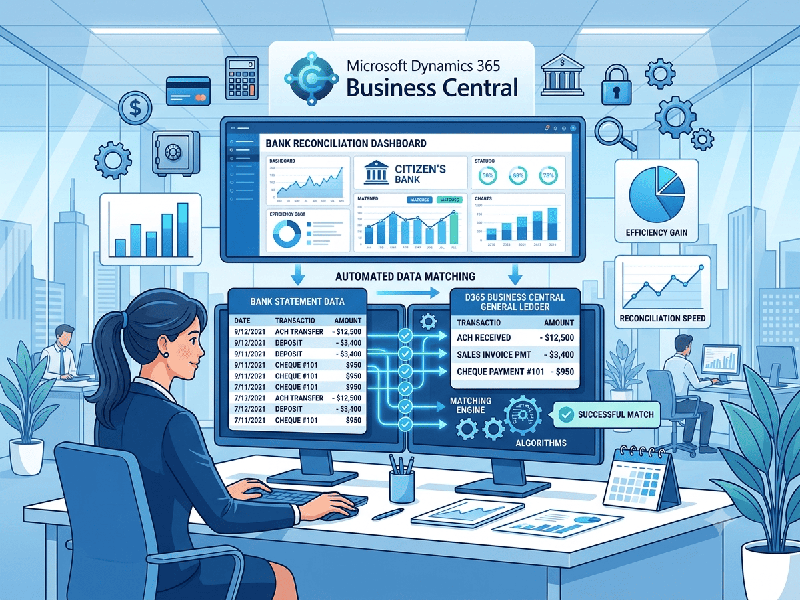
Bank Reconciliation Automation in Business Central
Automating bank reconciliation in Microsoft
Dynamics 365 Business Central eliminates manual data entry, reduces human
error, and accelerates your month-end financial close. By combining automated
bank feeds, advanced matching rules, and strict posting workflows, Business
Central can automatically clear up to 90%+ of routine transactions.
1. Core Automation Features in Business Central
Bank Feeds (Plaid / Yodlee Integration): Securely connect your business bank
accounts to pull daily bank transactions directly into Business Central without
manual file downloads.
Bank Reconciliation Match Rules: Define custom logic (matching on
document numbers, amounts, transaction dates, and text strings) so the system
automatically links bank statement lines to ledger entries.
Automatic Adjustment Posting: Handle bank fees, interest income,
and minor rounding discrepancies automatically during the reconciliation run.
3. Automated Bank Reconciliation Workflow
1.Phase 1: Statement Import & Data Ingestion:Daily or Weekly Synchronization.
Automated Feeds: Business Central automatically downloads the latest
bank statement lines from your connected financial institution.
Manual Upload (Fallback): If feeds are unavailable, upload
statement files in standard formats (CSV, XML, MT940) using configured data
exchange definitions.
2.Phase 2: Running Automatic Match:Automated Matching Engine.
Execute Match Rules: Click Match Automatically. Business Central
applies your configured rules to compare bank statement lines against unapplied
bank account ledger entries.
Visual Indicators: Matched lines are highlighted in green, while
unmatched items remain uncolored for manual review.
3.Phase 3: Reviewing & Manual Matching:Exception Management.
Handle Exceptions: Review unmatched transactions (e.g., customer
payments with missing reference numbers or unrecorded bank fees).
Manual Link: Select a bank statement line and ledger entry, then click Match
Manually to tie them together.
Post Adjustments: Create and post balancing entries directly from the
reconciliation page for unexpected bank charges or interest.
4.Phase 4: Posting & Archiving:Finalization & Posting.
Validation Check: Ensure the difference between the ending balance and
total matched transactions equals zero.
Post Reconciliation: Post the reconciliation. Business Central closes out
the matched ledger entries and saves an immutable audit record of the
statement.