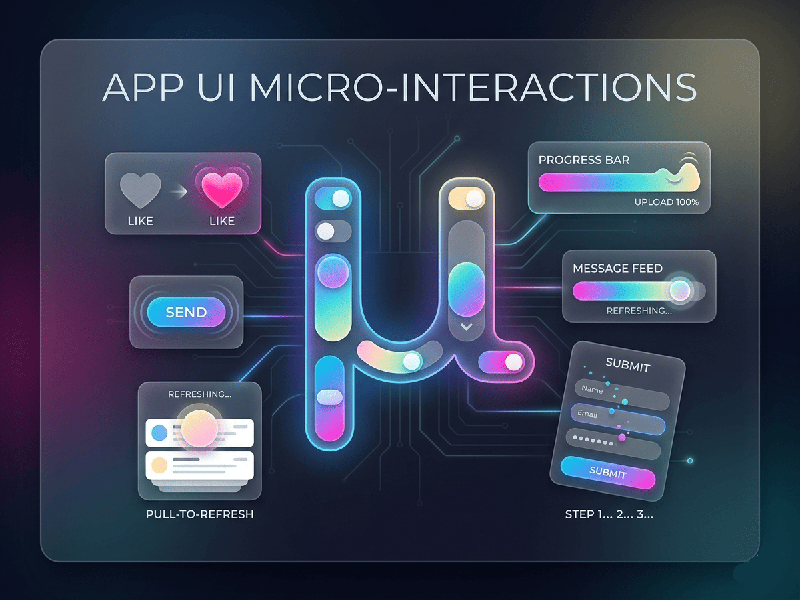
App UI Micro-Interactions
Micro-interactions are the small, functional animations or
design elements that respond to a user's specific action. If the UI is the
"body" of an app, micro-interactions are the nervous system.
They provide instant feedback, making the interface feel alive, intuitive, and
responsive rather than static and robotic.
The Four Pillars of a Micro-interaction
To understand how they work, it helps to look at the Dan
Saffer model:
1.
Trigger: The
spark that starts the interaction (e.g., pulling to refresh, toggling a switch,
or an incoming notification).
2.
Rules: What
happens when the trigger is pulled? (e.g., "If the user pulls down 50px,
show the loading spinner").
3.
Feedback: The
visual, auditory, or haptic response the user sees/feels (e.g., the button
changing color or the phone vibrating).
4.
Loops & Modes: The meta-rules. Does the animation speed up if repeated? Does the button
stay in an "On" mode?
Why They Matter (The "Delight" Factor)
- System Status: They tell the user what’s
happening (e.g., a progress bar or a "typing..." indicator).
- Error Prevention: A shaking "wrong
password" animation is more intuitive than a red text box.
- Teaching the Interface: A button that subtly pulses
guides the user's eye to the next logical step.
- Brand Personality: Smooth, bouncy animations feel
"fun," while crisp, fast transitions feel
"professional."