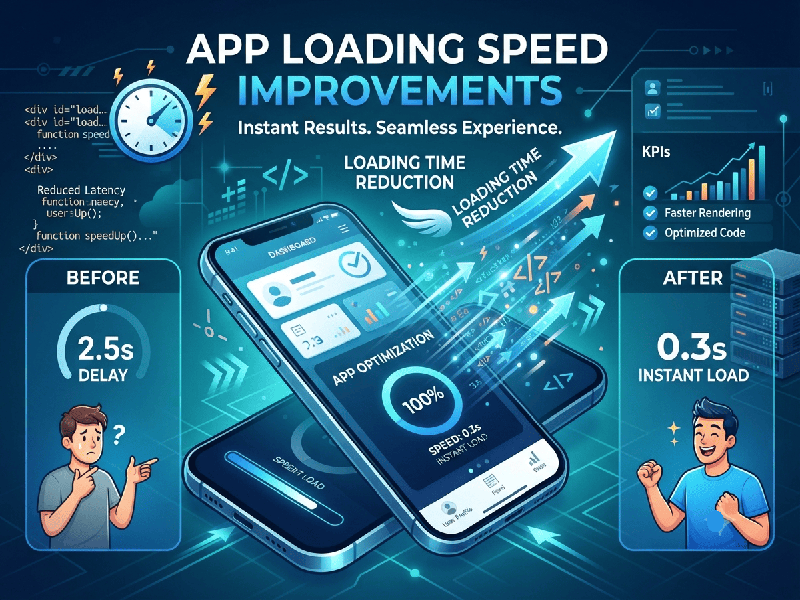
App Loading Speed Improvements
Improving app loading speed is crucial for user
retention and satisfaction. Slow apps lead to high bounce rates and uninstalls.
Here is a comprehensive, actionable guide to
optimizing and improving your app's loading speed across frontend, backend, and
architectural levels.
1. Frontend & UI Optimization
The client-side is often the first place users
experience lag. Streamlining how assets and UI components load makes an
immediate difference.
- Implement Lazy Loading: Load only the components,
images, or data currently visible on the screen. Defer off-screen or
secondary assets until the user scrolls to them.
- Optimize Images and Assets: Compress images without losing
quality by using modern formats like WebP or AVIF instead of
heavy PNGs or JPEGs. Resize images to match the exact dimensions needed by
the UI.
- Reduce App Bundle Size: Remove unused code, libraries,
and dependencies (tree shaking). Minify your JavaScript, CSS, and HTML
assets.
- Cache Locally: Use local storage, SQLite, or
specialized caching mechanisms (like Room in Android or CoreData in iOS)
to store static data so the app doesn’t fetch everything from the server
on every launch.
2. Network & Backend Performance
Data-fetching bottlenecks are a primary cause of long
loading spinners.
- Optimize API Requests: Reduce the number of
round-trips to the server. Use GraphQL or custom API endpoints to
fetch only the exact fields required, rather than pulling entire data
objects.
- Implement Efficient Caching: Use server-side caching (Redis,
Memcached) and HTTP caching headers (like Cache-Control) to serve
frequently requested data instantly.
- Use a Content Delivery Network
(CDN):
Distribute your static assets, images, and media files across global CDN
servers so users download them from a location physically closer to them.
- Enable Compression: Ensure your server uses Gzip
or Brotli compression for all HTTP responses to reduce payload
sizes over the network.
3. Architecture & Code Execution
How your app code runs under the hood heavily impacts
startup time (Cold Start vs. Warm Start).
- Optimize App Startup Logic: Defer heavy initialization
tasks (like third-party analytics SDKs, crash reporters, or non-essential
background syncs) until after the initial UI has rendered and the
user can interact with the app.
- Profile and Fix Memory Leaks: Use performance profiling tools
(like Xcode Instruments, Android Studio Profiler, or React Native
Performance Monitor) to identify heavy background threads, blocking the
main UI thread, and memory leaks.
- Upgrade Database Queries: If your app queries a local or
remote database on launch, ensure tables are properly indexed and queries
are optimized to execute in milliseconds.