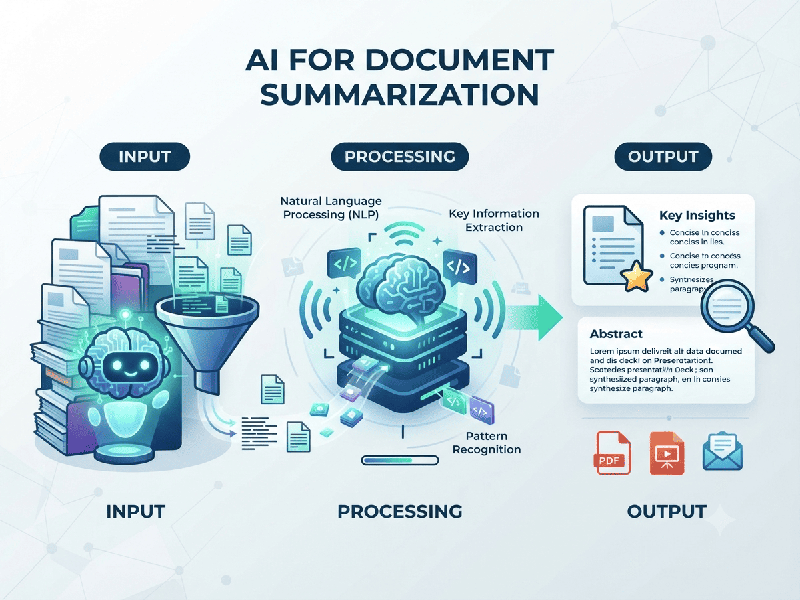
AI for Document Summarization
Using AI for document summarization is an excellent
way to save time and extract key insights from long or complex files.
Below is a breakdown of top tools and best practices
to help you get the best results.
How to Get the Best Results
To get high-quality, accurate summaries, follow these
effective strategies:
- Be Specific in Your Prompt: Instead of just saying
"summarize this," give the AI a role or focus.
o Example: "Summarize this report into
three key takeaways for a non-technical audience" or "Extract all
action items and deadlines from these meeting notes."
- Use Follow-up Prompts: If the initial summary is too
broad, ask for more detail. Use the chat interface to ask specific
questions like, "What does the section on budget constraints
say?"
- Manage Document Length: If a document is extremely long
and the tool struggles, consider summarizing it section by section.
Alternatively, upload files in smaller chunks if you hit input limits.
- Verify Important Data: AI can occasionally
misinterpret complex tables or figures. Always double-check critical
facts, dates, or financial figures against the original document.
- Prioritize Security: Be cautious about uploading
highly confidential or sensitive personal information to public AI tools.
If you are handling proprietary corporate data, ensure you are using an
enterprise-grade version (like Microsoft Copilot or Google Cloud Document
AI) that offers data privacy protections.
Quick Workflow Tip
If you are using a tool like ChatGPT or NotebookLM,
try this sequence:
1.
Ask for an executive summary: Get the high-level overview.
2.
Ask for a "What are the biggest risks/opportunities?" list: This forces the AI to look for
specific themes rather than just summarizing the text.
3.
Ask for citations: If the tool supports it (like Sharly or NotebookLM), ask, "Where in
the document is this discussed?" to ensure accuracy.