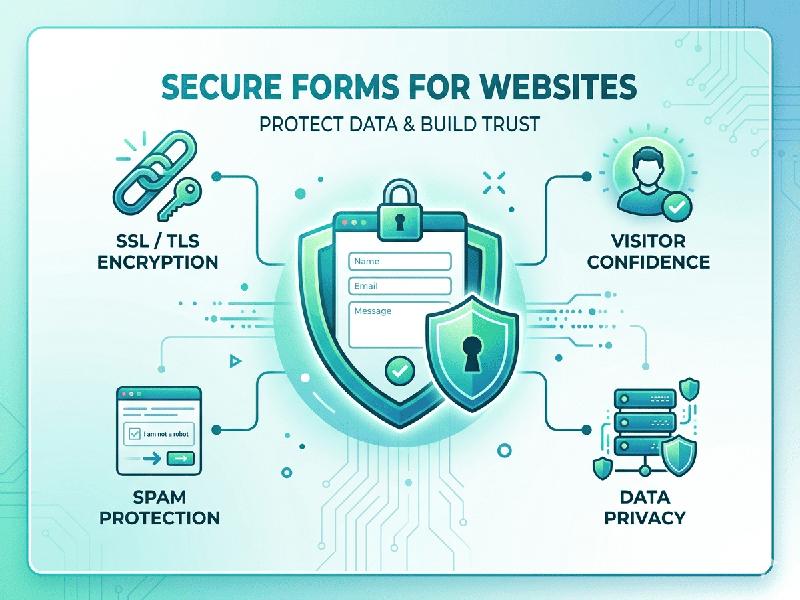
Secure Forms for Websites
When building or choosing a form for your website,
"security" isn't just about a password—it’s about protecting the data
in transit, preventing bot abuse, and ensuring the backend
doesn't get hacked.
A truly secure form addresses three main areas: Encryption,
Validation, and Spam Prevention.
1. Encryption & Data Protection
The first rule of web forms is that data must never be sent
in "plain text."
- HTTPS (SSL/TLS): Your site must have an
SSL certificate. This ensures that the data traveling from the user’s
browser to your server is encrypted.
- Data Masking: For sensitive fields like
credit card numbers or SSNs, the form should mask the input (e.g., ****
1234) and never store the full sensitive string in the browser’s local
storage.
- Encryption at Rest: Once the data reaches your
database, it should be encrypted so that even if the database is leaked,
the information is unreadable.
2. Preventing Attacks (The Technical Essentials)
Hackers often use forms as an "entry point" to your
server. You need these three defenses:
- CSRF Protection (Cross-Site
Request Forgery): Uses a unique, secret "token" for every session. This
ensures the form submission actually came from your website and not a
malicious third-party site.
- Input Sanitization: Never trust user input. If a
user types <script>alert('Hacked')</script>, your form should
"strip" those tags or treat them as plain text to prevent Cross-Site
Scripting (XSS).
- SQL Injection Prevention: Use Parameterized Queries.
This ensures that if someone types a database command into your
"Name" field, the server treats it as a string of text rather
than an actual command to delete your data.
3. Bot & Spam Defense
To keep your inbox from being flooded by automated scripts,
use these layers:
- CAPTCHA: Tools like reCAPTCHA v3
or Cloudflare Turnstile are great because they check for
"human behavior" without forcing the user to solve annoying
puzzles.
- Honeypot Fields: A hidden input field that
humans can't see but bots will fill out. If the field contains data upon
submission, you know it’s a bot and can automatically reject it.
- Rate Limiting: Restrict the number of times a
single IP address can submit a form within a certain timeframe (e.g., max
3 submissions per minute).