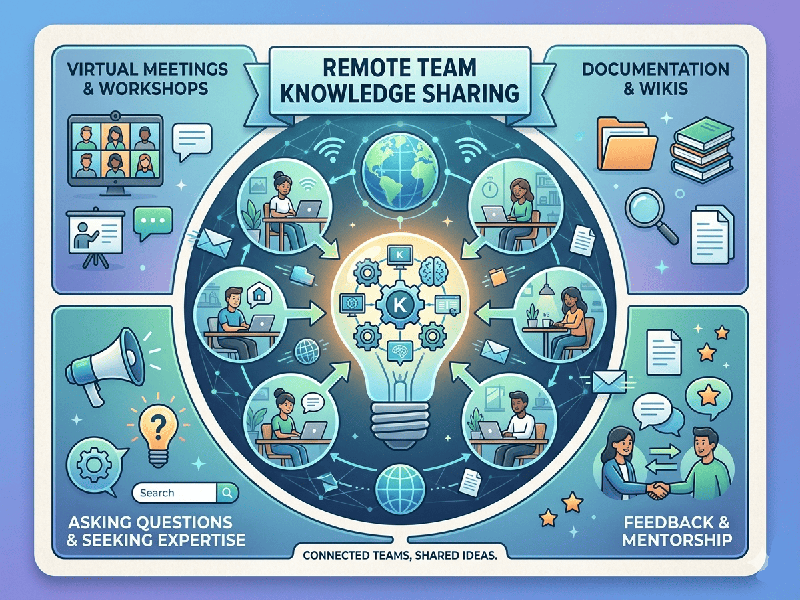
Remote Team Knowledge Sharing
Effective knowledge sharing in remote environments is the
difference between a high-performing team and a group of isolated individuals.
Without the "watercooler" moments of an office, knowledge must be
captured, organized, and made accessible by design rather than by chance.
1. The "Single Source of Truth" (SSOT)
Remote teams often suffer from "document
fragmentation," where info is scattered across Slack, emails, and private
drives.
- Centralized Documentation: Use a company wiki (e.g.,
Notion, Confluence, or Guru) to house all processes, brand guidelines, and
project specs.
- Standardized Naming Conventions: Ensure files and folders are
searchable so team members aren't spending hours hunting for the latest
version.
2. Asynchronous Communication (The "Write-It-Down"
Culture)
Information should be accessible regardless of time zones.
- Documentation-First: If a decision is made in a
meeting, it does not exist until it is summarized in the project tracking
tool.
- Contextual Updates: Use tools like Loom for video
walkthroughs of complex tasks. A 2-minute screen recording is often more
effective than a 500-word email at transferring "tribal
knowledge."
3. Structured Knowledge Transfer Mechanisms
Knowledge doesn't just happen; it needs scheduled
touchpoints.
- "Lunch and Learns"
(Remote Style):
Host recorded, informal sessions where a team member demonstrates a new
skill or project result.
- Office Hours: Set recurring times where
senior team members are available on an open video call to answer
questions, replicating the "open door" policy.
- The "Buddy System": Pair new hires with an
experienced team member for a period, ensuring implicit knowledge (how
things really get done) is transferred effectively.
4. Continuous Feedback Loops
Knowledge sharing is a two-way street.
- Post-Mortems: After a project completes, host
a "Lessons Learned" meeting to document what went well and what
didn't. This prevents the team from repeating the same mistakes.
- Searchable Archives: Ensure that Slack or Teams
channels are archived and searchable, so new team members can look back at
past project discussions to understand the "why" behind certain
decisions.