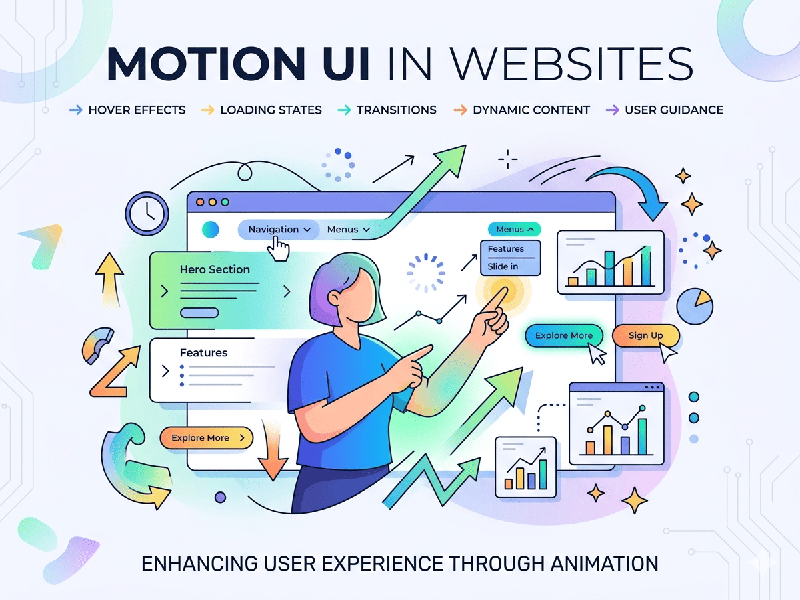
Motion UI in Websites
Motion UI is the use of animations and transitions to guide a
user’s journey, express a brand’s personality, and provide feedback within a
digital interface. In 2026, it has shifted from being a visual
"extra" to a functional necessity for maintaining engagement.
1. The Functional Roles of Motion
Motion in web design serves three primary purposes beyond
simple aesthetics:
- Visual Feedback: Confirming a user's action
(e.g., a button that pulses when clicked or a success checkmark that
"draws" itself).
- Cognitive Relief: Using transitions to explain
the relationship between two screens, helping the user maintain their
mental map of the site.
- Attention Cueing: Directing the eye toward a Call
to Action (CTA) or a notification using subtle, non-intrusive movement.
2. Core Motion UI Techniques
A. Micro-Interactions
These are small, functional animations that happen at the
component level.
- Hover Effects: Cards that lift or icons that
change color to indicate interactivity.
- Progress Indicators: Custom loaders or
scroll-progress bars that keep users informed during data-heavy
operations.
B. Scroll-Triggered Animations
As users move down a page, elements reveal themselves or
transform.
- Parallax Scrolling: Background layers moving at
different speeds to create a sense of depth.
- Staggered Reveals: Content blocks that fade in one
after another, preventing the user from feeling overwhelmed by a
"wall of text."
C. Narrative Transitions
Used heavily in high-end brand sites to tell a story.
- Shared Element Transitions: An image on a gallery page
smoothly expanding to become the hero header of the next page, creating a
seamless "app-like" feel.
3. Technical Implementation
For modern workflows, developers typically lean on specific
libraries and formats to ensure performance:
- CSS Transitions & Keyframes: Best for simple, lightweight
movements like hover states.
- Lottie Files: Small, JSON-based files that
allow complex Adobe After Effects animations to run on the web without the
heavy file size of GIFs or MP4s.
- GSAP (GreenSock): The industry standard for
high-performance, complex sequences that require precise timing and
control.
- SVG Animations: Ideal for logos and icons
because they remain crisp at any resolution and have a negligible impact
on page load times.
4. Best Practices and Performance
Too much motion can lead to "UI fatigue" or
accessibility issues.
- The "Reduce Motion"
Media Query:
Always respect system-level preferences. If a user has "Reduce
Motion" enabled in their OS, your site should automatically switch to
static transitions.
- Performance Budgeting: Heavy JavaScript animations can
tank your SEO and Core Web Vitals. Prioritize CSS-based animations where
possible.
- Timing is Key: Most functional UI animations
should last between 200ms and 500ms. Anything slower feels
sluggish; anything faster is jarring.
- Meaningful Movement: Avoid "motion for the sake
of motion." Every move should have a purpose, whether it's showing a
connection between elements or confirming an export process.