Employee Monitoring Tools
Employee
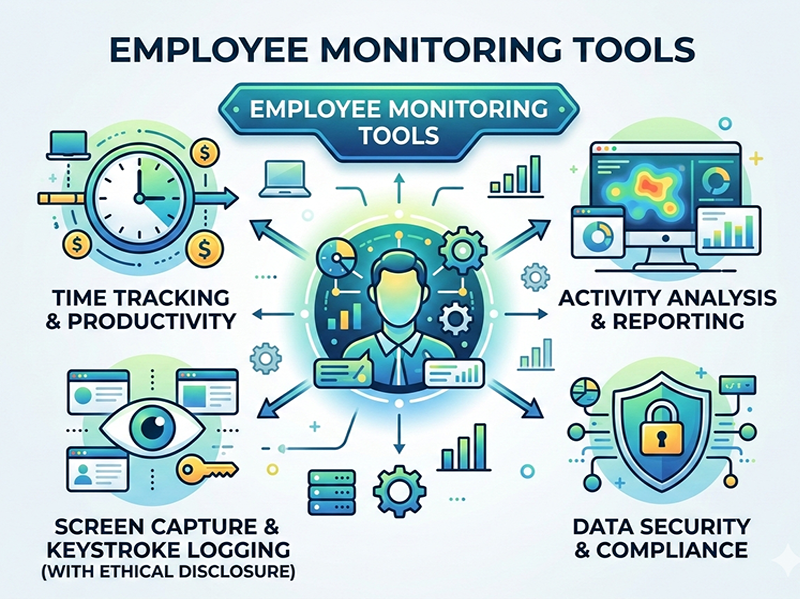
monitoring tools are software applications used by organizations to track staff
activity, ensure productivity, and protect company data. While they offer
significant benefits for project management and security, they also raise
important conversations about workplace privacy and trust.
Key
Functionalities
Most
monitoring tools fall into one of three categories based on what they track:
- Activity Tracking: Monitoring keyboard/mouse
movement, taking periodic screenshots, or logging active vs. idle time.
- Communications: Reviewing emails, Slack
messages, or video call logs to ensure professional conduct and prevent
data leaks.
- Network & GPS: Tracking website URLs visited,
application usage, or the physical location of field employees via mobile
devices.
The Pros
and Cons
The
Benefits
- Performance Insights: Helps managers identify
bottlenecks or employees who may be feeling overwhelmed (burnout
detection).
- Data Security: Protects intellectual property
by flagging suspicious file downloads or unauthorized access.
- Accountability: Provides a clear record of
hours worked, which is especially helpful for billing clients in agency
models.
The
Drawbacks
- Lower Morale: If implemented poorly, it can
create a "Big Brother" atmosphere that erodes trust.
- Privacy Concerns: Tracking can sometimes blur the
line between professional and personal life, especially for remote workers
using personal devices.
- "Performative" Work: Employees may focus more on
"moving the mouse" than actually producing quality results.
Best
Practices for Implementation
If you are
considering these tools, transparency is your best friend.
1.
Draft a Clear Policy: Define exactly what is being monitored and why.
2.
Focus on Outcomes: Use the data to improve workflows, not just to punish five-minute
breaks.
3.
Legal Compliance: Ensure the tools align with local labor laws (like GDPR in Europe),
which often require explicit consent.