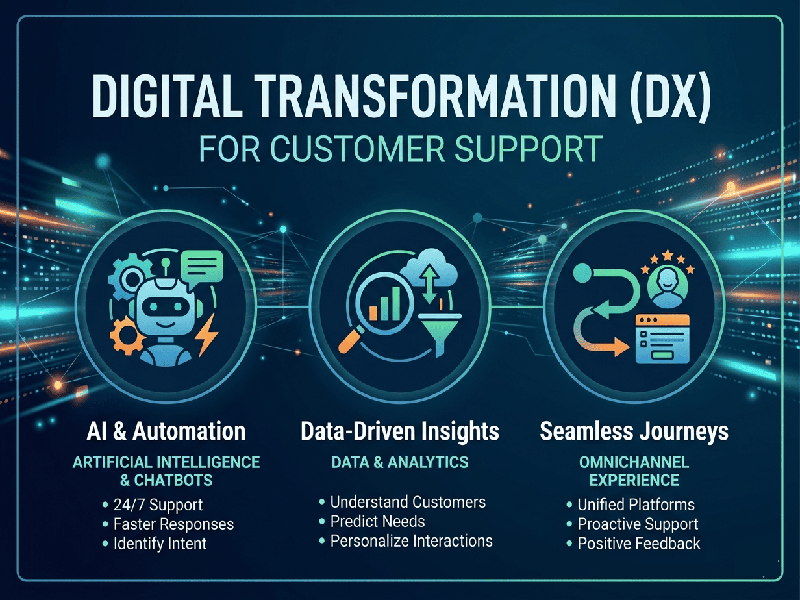
DX for Customer Support
In the
context of 2026, DX (Developer Experience) for Customer Support refers
to how easily a company’s engineering and product teams can build, integrate,
and maintain the tools used by support agents.
While CX
(Customer Experience) focuses on the person buying the product, DX
focuses on the "internal customer"—the developer who must ensure that
APIs, ticketing systems, and AI bots work seamlessly.
Why DX is
Critical for Support in 2026
In 2026,
support is no longer just a call center; it is a complex ecosystem of Agentic
AI, real-time data orchestration, and self-service portals. High DX ensures
that:
- Faster Fixes: Developers can deploy patches
or updates to support tools without breaking existing workflows.
- Seamless Integration: Systems like CRMs and Helpdesks
"talk" to each other via well-documented, secure APIs.
- Scalability: The support infrastructure can
handle sudden spikes in automated "bot-to-bot" traffic (consumer
AI agents interacting with brand support).
Key
Pillars of DX in Support Platforms
To provide a
high-quality developer experience for your support stack, focus on these areas:
1.
API-First Architecture
Support
platforms should be built as a set of services.
- Standardized Documentation: Clear, interactive guides (like
Swagger/OpenAPI) that allow developers to test calls in a sandbox.
- Webhooks: Real-time notifications that
trigger actions in other systems (e.g., notifying a Slack channel when a
high-priority ticket is created).
2.
Composable & Low-Code Tools
2026 is the
year of Composable Architecture. Instead of one giant, rigid software,
teams use smaller "blocks" that can be swapped out.
- Low-Code Interfaces: Allow developers to build
custom support dashboards or automated "paved paths" for agents
quickly.
- SDKs (Software Development
Kits):
Pre-written code that helps developers integrate chat or video support
into mobile apps in minutes rather than weeks.
3.
Observability and Debugging
When a
customer’s automated agent fails to connect to your support bot, developers
need to know why immediately.
- Real-time Logs: Access to event timelines and
network requests to identify where a "hand-off" between AI and
human went wrong.
- Session Replays: Tools that show the exact steps
a user (or their AI agent) took before hitting an error.