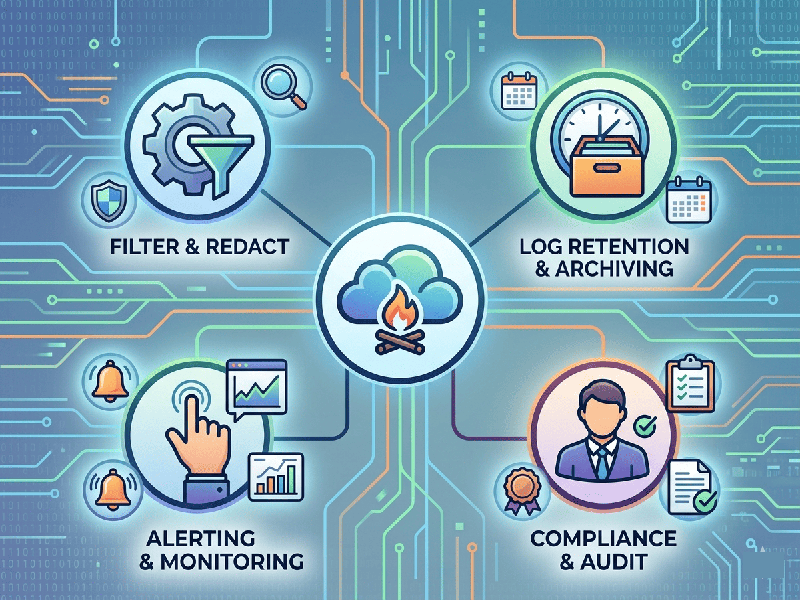
Cloud Logging Best Practices
Effective Cloud Logging is the difference between
resolving an outage in five minutes or five hours. When moving to the cloud,
logging isn't just about recording errors; it’s about creating a searchable,
actionable trail of "truth" for your entire infrastructure.
1. Implement Structured Logging (JSON)
Stop writing logs as plain text strings. Use structured
logging, typically in JSON format.
·
Why:
Machine-readable logs allow cloud platforms (like AWS CloudWatch, Google Cloud
Logging, or Azure Monitor) to parse fields automatically.
·
Action:
Instead of User 123 logged in from 1.1.1.1, use: {"event":
"login", "user_id": 123, "ip":
"1.1.1.1", "status": "success"}.
2. Centralize and Standardize
In a microservices or multi-cloud environment, logs are
useless if they are scattered.
- Centralized Sink: Send all logs (application, VPC
flow logs, audit logs) to a single repository (e.g., an S3 bucket or a
BigQuery dataset).
- Common Schema: Ensure every team uses the same
keys for basic data, such as timestamp, severity, service_name, and
trace_id.
3. Correlation IDs & Distributed Tracing
In the cloud, a single request might pass through a Load
Balancer, an API Gateway, three Lambda functions, and a Database.
- The Fix: Generate a unique Correlation
ID (or Trace ID) at the entry point of a request.
- Propagation: Pass this ID in the header of
every internal call. If an error occurs in the database, you can search
that ID and see the entire journey of that specific request across all
services.
4. Prioritize Log Levels Correctly
Avoid "Log Bloat" by being disciplined with
severity levels:
- ERROR: Action required immediately
(e.g., DB connection lost).
- WARN: Something is unusual but the
app is still running (e.g., high latency).
- INFO: Normal operational milestones
(e.g., "Service Started").
- DEBUG: Detailed info for development; disable
this in production to save on storage costs.
5. Security & Sensitive Data (PII)
Cloud logs are often a target for attackers because they can
contain "accidental" secrets.
- Masking: Use automated libraries to
scrub PII (Personally Identifiable Information) like credit card numbers,
passwords, or emails before they hit the log stream.
- Access Control: Use the Principle of Least
Privilege. Developers might need access to Application Logs, but only
Security Ops should see Audit/Access Logs.
6. Retention & Lifecycle Management
Logging costs can spiral out of control if you store
everything forever.
- Tiered Storage: Keep "Hot" logs (last
7–30 days) in high-performance storage for active troubleshooting.
- Cold Storage: Move older logs to
"Cold" storage (e.g., S3 Glacier) for long-term compliance
(often 1–7 years depending on your industry).