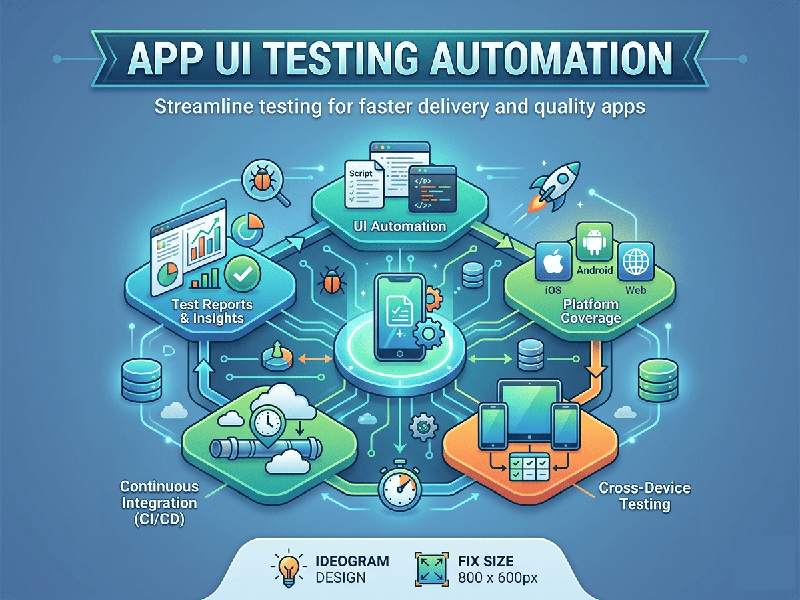
App UI Testing Automation
Automating UI testing is the process of using software tools
to control an application, perform user-like actions (tapping, scrolling,
typing), and verify that the interface behaves as expected. It's the
"safety net" that ensures a new update doesn’t break the buttons your
users rely on.
1. Why Automate UI Testing?
Manual testing is essential for "feel" and UX, but
it doesn't scale. Automation provides:
- Regression Testing: Ensures old features still work
after new code is added.
- Speed: Tests run 24/7 without human
intervention.
- Consistency: Eliminates human error in
repetitive tasks.
- Parallelization: Running the same test on 20
different devices simultaneously.
2. Popular Tools & Frameworks
Choosing the right tool depends on your platform and team
expertise:
- Appium: The "industry
standard" for cross-platform (iOS and Android). It uses the WebDriver
protocol, meaning if you know Selenium, you know Appium.
- Espresso (Android): Fast and reliable. It’s built
by Google and runs inside the Android app process, making it very
"aware" of the UI state.
- XCUITest (iOS): Apple’s native framework. It’s
incredibly fast and written in Swift or Objective-C.
- Playwright / Cypress: Best for Web App UI
testing. They offer great debugging tools and "time-travel"
features to see exactly where a test failed.
3. The Standard Workflow
1.
Identify the Test Case: Pick a critical user path (e.g., "User logs in and adds
item to cart").
2.
Inspect the UI:
Use a tool (like Appium Inspector) to find the unique IDs for the buttons and
text fields.
3.
Scripting:
Write the code to interact with those IDs.
4.
Execution: Run
the script on an emulator, simulator, or a real device cloud (like BrowserStack
or Firebase Test Lab).
5.
Reporting:
Analyze the screenshots or logs generated during the failure.
4. Pro-Tips for Success
- Prioritize Stability over
Coverage: It is
better to have 10 reliable tests than 100 "flaky" tests that
fail randomly.
- Use Page Object Model (POM): This is a design pattern where
you store UI elements in separate files. If a button changes its ID, you
only update it in one place, not in every single test script.
- Don't Automate Everything: UI tests are slow and expensive
to maintain. Use them for "happy paths" and use Unit tests for
logic.