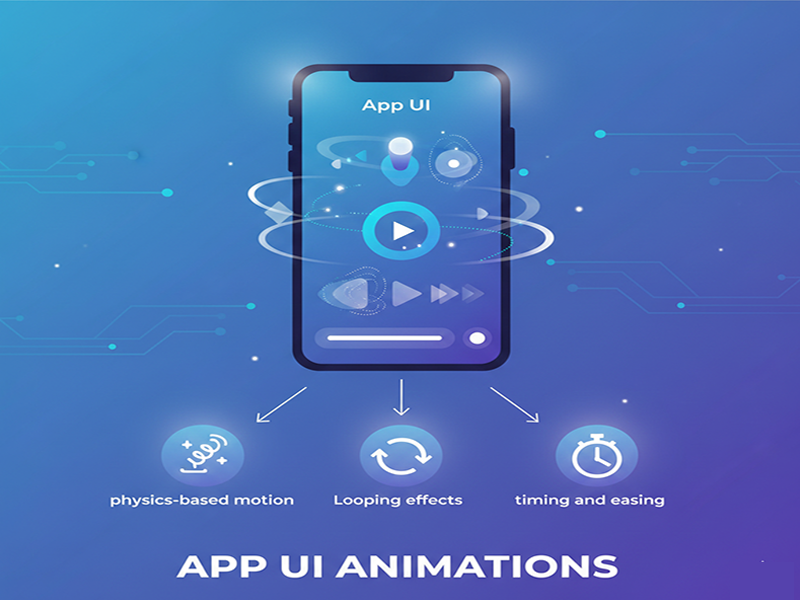
App UI Animations
App UI
animations are essential motion elements that turn static interfaces into
dynamic, intuitive experiences. They guide user attention, provide feedback,
and make digital interactions feel natural.
Core
Types of UI Animations
- Micro-interactions: Small, subtle movements
that provide instant feedback for specific actions, such as a heart icon
filling when tapped or a button changing color on click.
- Transitions: Animations that occur when
moving between screens, such as sliding a new page in from the right to
indicate forward progress.
- Loading & Progress: Visual cues like spinning
circles or progress bars that reassure users the app is working and hasn't
crashed during background tasks.
- State Changes: Animations that
communicate a shift in status, such as a toggle switch sliding from
"off" to "on" or a button becoming active once a form
is filled.
- Onboarding: Animated walkthroughs or
guides used to teach new users how to navigate complex app features.
Key
Benefits
- Improved Feedback: Confirms that an action
(like a tap or swipe) was registered by the system.
- Perceived Performance: Masks short loading delays
by keeping the user visually engaged, making the app feel faster.
- Guidance: Directs focus toward
important elements like "Call to Action" (CTA) buttons or newly
appearing information.
- Brand Identity: Adds a unique personality
to the app through custom motions, increasing user loyalty and engagement.
Best
Practices for Implementation
- Purpose over Decoration: Avoid adding animation for
its own sake. Every motion should serve a clear function, such as
clarifying a process or guiding a task.
- Timing & Speed: Effective animations are
typically fast, ranging from 250ms to 900ms. Anything slower
can feel sluggish and frustrate the user.
- Accessibility: Provide options to reduce
or disable motion for users with motion sensitivity or visual impairments.
- Realism: Use "easing" and
physics-based motion to mimic real-world movements, making the interface
feel more intuitive.